

Fitbit Air Gets Health Guardian Features and Smarter Workout Detection
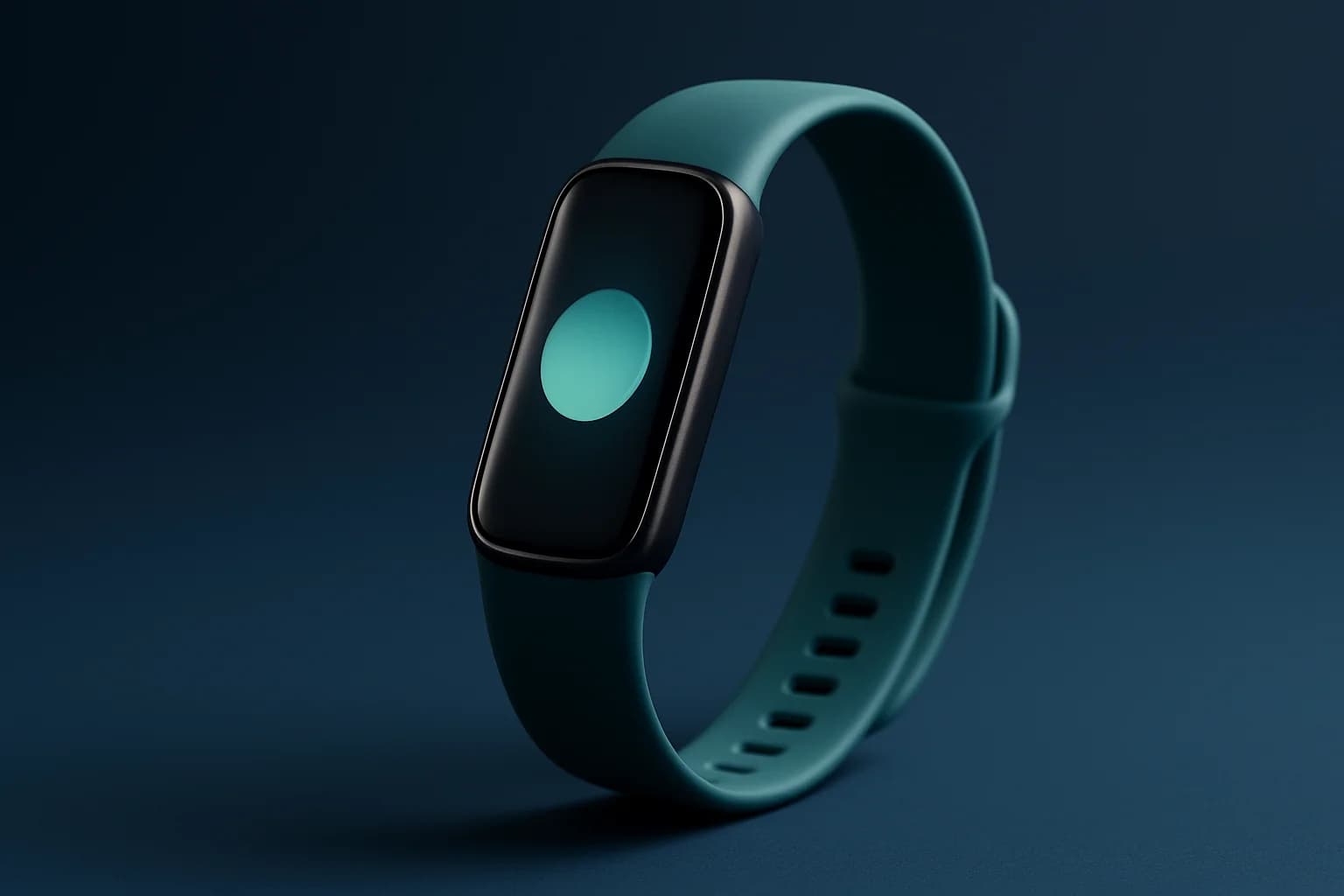
Gadget news & launches · 7 min read
Quick answer
Fitbit Air’s latest update brings Health Guardian tools and automatic workout detection for 100 activities. If your older Fitbit won’t get these features, it’s a good time to consider upgrading or selling, as resale value usually drops once new features become standard.
Fitbit Air just got a big update: Health Guardian tools are now available for easier health tracking and automatic workout detection across 100 activities, as per Google's latest announcement. You get more hands-off fitness monitoring and deeper insights without constantly fiddling with settings. If your device won’t get these features, it might be time to upgrade or consider selling your older Fitbit while its value is still reasonable.
Key takeaways
- Google has rolled out Health Guardian and smarter workout detection to Fitbit Air and the Google Health app.
- The update means less manual tracking and better long-term health insights for users.
- Automatic workout detection now covers 100 activities, making fitness tracking a lot easier.
- Owners of older Fitbits may want to consider selling before their resale value dips further.
What are the new updates for Fitbit Air and Google Health app?
The Fitbit Air and Google Health app have received major updates, with Google announcing new features aimed at making fitness and wellness tracking easier and more automatic for you. The standout changes include a much broader automatic workout detection, new options for tracking health patterns over time, and a Health Coach in the Google Health app that’s now powered by smarter AI.
Instead of having to start and stop workout tracking or dig through menus for health stats, these features aim to reduce manual effort. Now, your Fitbit Air can recognise a wider range of activities and help you keep tabs on bigger health patterns, not just day-to-day numbers. For Indian users who juggle work, home, and commutes, this means you’ll spend less time fiddling with your watch and more time focusing on your actual routines.
How do the new Health Guardian features help users?
Health Guardian is designed to make your Fitbit Air more useful by tracking your activity, sleep, and other wellness stats without demanding constant input. You’ll notice that the device starts picking up on patterns and summarising trends automatically—whether it’s your daily steps, heart rate changes, or how your sleep is trending over weeks, not just nights.
For someone trying to manage stress, improve sleep, or just become more active, the Health Guardian tools mean you can spot issues or progress sooner. You don’t have to remember to log every walk or nap, and the device will highlight shifts that matter, like a drop in activity during monsoon season or a steady improvement after you start a new routine.
What is improved about workout detection?
With the latest update, automatic workout detection on Fitbit Air now covers 100 different activities. This is a big jump from previous models and earlier software, where you might have needed to manually start tracking for certain workouts or risk missing out on data.
So if you switch between yoga, cycling, skipping rope, or even brisk walking during your daily schedule, the device is far more likely to catch and record these sessions without you touching a button. The end result? Your fitness summaries get more accurate, and you can review what’s really working for you.
Here’s a quick comparison of what’s changed:
| Feature | Before Update (Fitbit Air) | After Update (Fitbit Air) |
|---|---|---|
| Auto Workout Detection | Limited activities | 100+ activities |
| Health Trends | Daily/weekly basic trends | Longer-term, deeper insights |
| Health Coach | Basic AI suggestions | Improved, more tailored advice |
Who should care about these updates?
You’ll find these updates most helpful if you own a Fitbit Air and want your device to "just work" for health tracking. If you’ve been frustrated by missing workouts in your log, or you want more meaningful feedback from your watch about your health trends, this update is for you.
Fitness enthusiasts who keep switching up their routines will benefit from automatic activity recognition. It’s also useful if you’re managing a health condition and need reliable long-term data to share with your doctor. Even if you’re someone who’s not obsessed with stats, but likes seeing progress over time, these features add value.
Should owners of older Fitbit models update, upgrade, or sell?
If your current Fitbit is eligible for these updates, it’s worth installing them. You’ll instantly get access to better tracking and coaching, and your watch feels new again. Check your Settings or the Fitbit help page to confirm eligibility.
But if your model isn’t getting the new features, or performance is starting to lag, it might be time to upgrade. The improvements aren’t just minor tweaks—they’re practical changes that could make a real difference in your daily experience. Upgrading now could mean better motivation and less hassle in tracking your health.
If you’re planning to switch to a newer model, selling your older Fitbit while features like Health Guardian are still fresh news can help you get a better deal. You can sell your used smart watch on Cashit. The online quote you see depends on the information you fill in for your device, but the final price is confirmed only after a Cashit executive inspects your watch at pickup.
Could these features affect resale value of older models?
New features like Health Guardian and expanded workout detection make the latest Fitbit Air more attractive to buyers, which can reduce demand for older models. If you list your older device now, you may still find buyers who want a reliable fitness tracker but don’t need every new feature.
The longer you wait, the more likely it is that your watch’s value will drop, especially as more people look for devices with the latest health tracking tools. If you’re unsure, get a free quote for your specific model using Cashit’s sell page.
Checklist: How to decide if you should keep, update, upgrade, or sell
Making the right call isn’t always easy, but a simple checklist can help:
- Check if your Fitbit is eligible for the Health Guardian and expanded workout detection features (see device support in the Fitbit or Google Health app).
- Think about how much you use activity tracking—if you’re only logging steps, older models can still work, but if you want detailed, automatic insights, the update is a big plus.
- If your device isn’t supported, weigh up how much manual effort you’re willing to put in versus the benefits of a newer model.
- Planning to upgrade? Try to sell your old device before new models or updates make it less appealing to buyers.
- Always back up your data and perform a factory reset before selling or recycling—see Cashit’s FAQ for data safety tips.
What to do next if you own an older Fitbit
If you’re using an older Fitbit that isn’t eligible for the new Health Guardian features, think about your daily needs. If you’re happy with basic tracking, you can keep using your device—but if you want smarter health trends and less hassle, consider an upgrade. Selling your current watch on the smart watch page could help fund your new purchase.
For previous-model owners, acting soon is smart: the rollout of new features often triggers a wave of upgrades and resales, so moving early could mean a better return. If you’re not sure, see Cashit’s tips for maximizing resale value.
Frequently asked questions
How do I check if my Fitbit Air supports the new Health Guardian features?
Open the Fitbit or Google Health app and look for software update notifications. You can also check the official support site for a list of compatible devices.
Will my workout history transfer if I upgrade to a new Fitbit?
Yes, as long as you sync your old device with your Fitbit or Google account, your workout and health history will be available on your new device after setup.
Does selling my Fitbit require me to remove my personal data?
Absolutely—always perform a factory reset and remove your Fitbit account from the device to keep your data safe before selling. Refer to the official reset guide or Cashit’s FAQ.
Can I get cash for a damaged or older Fitbit model?
You can still get a quote for a damaged or older Fitbit on Cashit. The value depends on the condition and the device model, confirmed after doorstep inspection.
Is the new Health Coach in Google Health app available in India?
Google's announcement does not specify India-only availability, but the Health Coach and Guardian features are part of the global Fitbit Air and Google Health app update.
Sources
- Google Adds Health Guardian Features to Fitbit Air, Expands Workout Detection to 100 Activities — Gadgets 360, 23 October 2026
Upgrading? Sell your old device first
Ready to sell your old device? Get a free instant quote on Cashit, choose a doorstep pickup slot, and get paid by UPI or bank transfer after inspection.
Check my device's priceComments
No comments yet. Be the first to share your thoughts!