

Gaming Console Not Turning On? Safe DIY Steps Before Repair or Selling
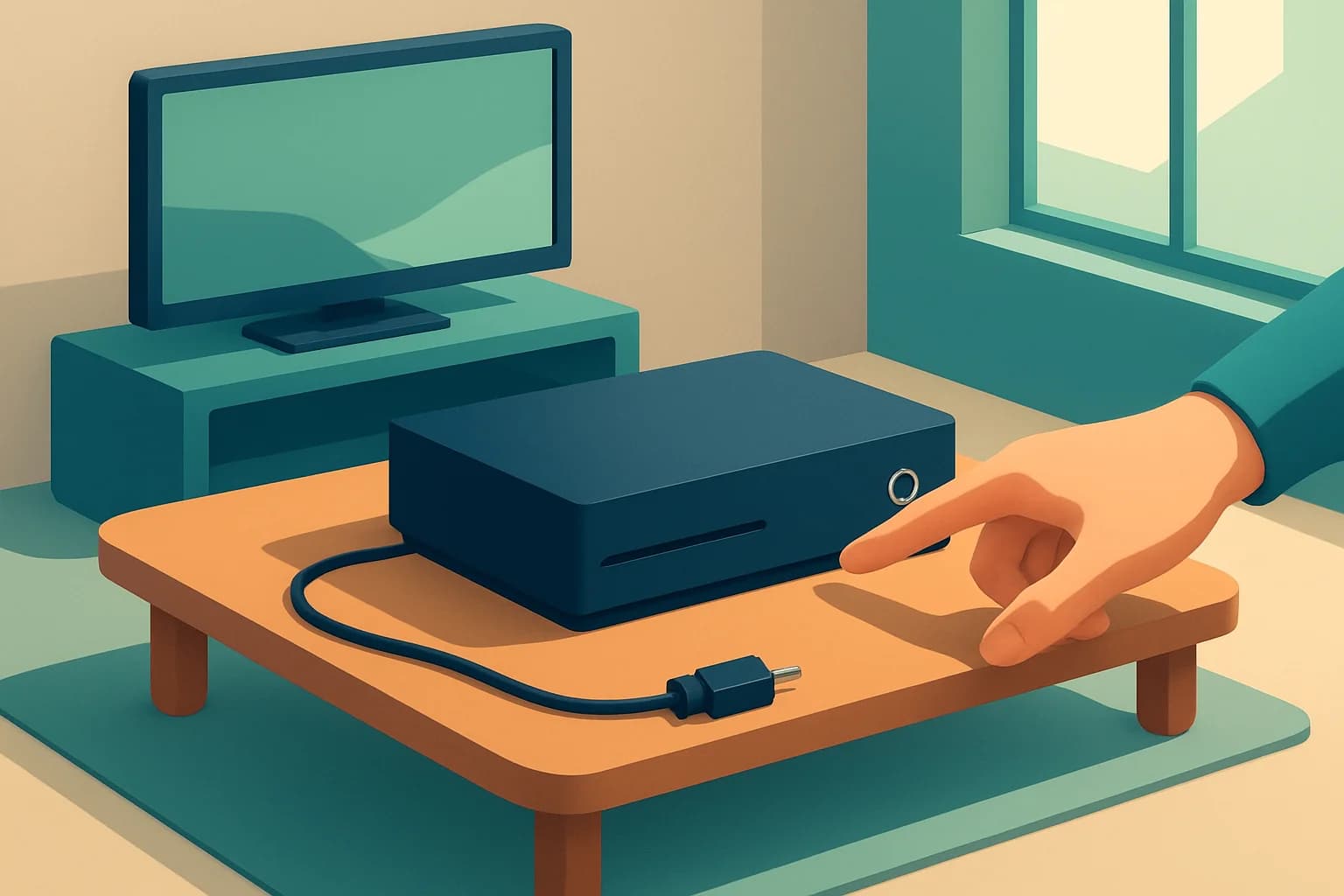
How-to & fixes · 7 min read
Quick answer
If your gaming console won’t power up, start by trying another wall socket and cable, look for any lights or sounds, and attempt a hard reset. If you still get nothing, avoid risky fixes—either visit a service centre or consider selling the console as-is to a trusted platform.
When your gaming console refuses to turn on—right when you’re set for a weekend game or a late-night session with friends—it’s frustrating. But don’t head straight to the repair shop. There are a few simple checks you can do at home first, no tools needed, that often fix the problem.
Key takeaways
- More often than not, consoles that won’t start are held back by problems with the cable, adapter, or power source—not major internal breakdowns.
- Always try plugging into a different socket, check for damaged cables, and attempt a safe hard reset before deciding it’s dead.
- Blinking lights or strange noises usually point to hardware or overheating issues—search for your console model’s error codes online.
- If your device is under warranty, don’t open it up—it could void any free service.
- If repairs are expensive, selling the console as-is is often the smarter option—and there’s a secure way to do it in India.
What are the common reasons a gaming console won’t turn on?
Power supply issues, frayed or loose cables, or a faulty wall socket are behind most cases. After voltage spikes—pretty common during the monsoon or citywide power cuts—a blown fuse or damaged motherboard might be to blame.
Dust-clogged vents are another usual suspect. If your console is overheating, it’ll sometimes refuse to start until it’s cooled down. Software updates gone wrong can also freeze things up. If you get blinking lights or beeps, check the error codes for clues—these are your console’s way of flagging the problem.
How can you quickly check if the issue is with power or cables?
Plug your console into a different socket, ideally in another room, to rule out a bad plug or tripped breaker. Inspect both ends of the power cable and adapter—look for loose connections, cuts, melted spots or bent pins.
If possible, borrow a compatible cable or adapter from a friend. Press the power button and watch for any sign of life—lights, a faint click, or a short burst from the fan. If there’s no sound or light, power isn’t reaching the console. Blinks or beeps mean it’s getting power but has another issue.
What’s a simple table matching symptoms with likely causes?
| Symptom | Likely Cause |
|---|---|
| No lights or sound | Power supply/cable/outlet issue |
| Blinking lights or beeps | Internal error/overheating |
| Turns on then shuts off | Overheating/hardware fault |
| Fan spins but no display | HDMI/display cable issue |
If you hear the fan but nothing appears on the screen, swap out the HDMI or display cable, and double-check your TV’s input. It’s often the quickest fix.
How do you safely try basic resets for your gaming console?
A simple reset often brings consoles back to life after a power failure or crash. Here’s what you do:
- Unplug everything from the console, including accessories, and wait at least a full minute—this lets any leftover charge drain away.
- If it’s an older model with a removable battery, take out the battery for half a minute before putting it back.
- Reconnect everything. Hold down the power button for 10 to 15 seconds—some consoles will beep or flash if the reset works.
- If you see lights but the system won’t start, check your official support page for recovery instructions. PlayStation owners can use Sony India’s support, and Xbox users can visit Xbox Support.
When should you head to a service centre instead of fixing at home?
If you’ve already tried every safe step—new socket, cable swap, a hard reset—and there’s still no sign of life, it’s time to call in the pros.
Any signs of burning, scorch marks, sparks, or a console that immediately switches off after you power it up mean you shouldn’t keep trying. Those are usually deeper electrical or hardware faults. If it keeps showing error codes or blinking, you’ll likely need replacement parts or special tools.
Still under warranty? Don’t risk opening it or using non-official parts. Grab your bill and warranty card and visit an authorised service centre—you might get the fix done for free if it’s covered.
What if repair costs are too high—should you consider selling?
If the service centre’s repair estimate is too much—especially for an older console with rare parts or a major issue—selling the console in its current condition might make more sense. Cashit lets you do this easily.
At Cashit’s gaming console selling page, answer a few quick questions about your console’s condition, and you’ll get an instant online estimate. This quote is based on what you tell them about your console’s problems and state. Once your device is picked up, a technician will inspect it at your home and provide the final confirmed offer. If you accept, you’ll receive the payment through UPI or bank transfer on the spot. Everything happens at your home, and you’re under no pressure to accept the offer if it doesn’t work for you.
Cashit takes in consoles with various faults or damage, and the value depends on what’s found during inspection. If your console won’t turn on at all, be upfront about it—the technician checks and confirms the fault at pickup. On devices where it’s possible, data is wiped after receipt; if a console can’t power up, mention any login or account issues during the online form.
You can also check Cashit’s main selling page to see potential quotes for other used gadgets, but each device is processed separately. Want to know what happens after selling? Visit the Cashit blog.
Decision table: repair or sell?
| Situation | What to Do |
|---|---|
| Under warranty, simple cable issue | Visit authorised service centre for free fix |
| Out of warranty, minor repair cost | Consider local repair if it’s cheap |
| Out of warranty, repair cost is too high | Selling as-is may be more practical |
| Console is totally dead, rare parts needed | Selling likely best—value depends on fault |
What are common mistakes to avoid when troubleshooting at home?
Opening up a console that’s still under warranty, or reaching for the wrong tools, can get you disqualified from free repairs. Cheap, uncertified chargers from local shops can fry the motherboard or ruin delicate parts.
If you smell something burning, see sparks, or hear a loud pop, stop pressing the power button right away. That’s a sign of a serious internal fault that needs a technician. Don’t try to patch up exposed wires or do any soldering unless you really know your way around electronics. Usually, it’s safer—and less costly—to get it fixed professionally or, if repair is too expensive, sell the console instead of risking total damage.
What if you just can’t get your gaming console working?
If nothing you’ve tried brings your console back to life, it doesn’t have to sit unused. Describe the problem honestly on Cashit, and you’ll get an upfront quote for your dead console. After the technician checks it at your home and gives you the final offer, if you’re happy with the amount, you’ll get paid instantly by UPI or bank transfer. Faulty consoles are accepted, but the exact offer depends on the inspection. Cashit wipes data when possible, but if your device won’t turn on, highlight any account or login issues when you’re filling out the online form.
Frequently asked questions
Can monsoon humidity or power cuts cause my console to stop working?
Yes, high humidity and voltage fluctuations during monsoons can damage a gaming console’s power supply or internal components. Using a surge protector and keeping your console in a dry area reduces risk.
Is it safe to use third-party power adapters for my console?
It's best to use only certified or original adapters for your gaming console. Third-party or unbranded chargers can cause further damage or even void the warranty.
How do I know if it’s a display issue or a console issue?
If the fan spins but there’s no display, try changing the HDMI or display cable and check your TV input. If still blank, the problem may be with the console’s graphics hardware.
Will I get a good price for a non-working console when selling?
The price depends on your console’s make, model, and exact fault. Cashit provides quotes for devices in any state, and after a doorstep inspection, you'll get a confirmed final offer. If you agree, payment will be sent to your UPI or bank account right away.
What should I do before sending my console for repair or sale?
Remove all discs and accessories, and if possible, sign out of any accounts. If the console won’t turn on, mention this to the service centre or Cashit during your initial query.
Not worth repairing? Sell it as it is
Ready to sell your old device? Get a free instant quote on Cashit, choose a doorstep pickup slot, and get paid by UPI or bank transfer after inspection.
Check my device's priceComments
No comments yet. Be the first to share your thoughts!