

iPhone Duo Gains Apple Pencil Support With iOS 27.2: What It Means for Users and Upgraders
Gadget news & launches · 6 min read
Quick answer
If you want Apple Pencil features on your phone, only the iPhone Duo with iOS 27.2 supports the USB-C Apple Pencil. No older iPhone will get this feature, so if stylus input matters to you, upgrading to the Duo is your only option right now.
You’ve probably wondered if your phone will ever let you scribble notes or sketches with an Apple Pencil. The answer just dropped: only the iPhone Duo, after updating to iOS 27.2, lets you use the USB-C Apple Pencil on both its main and cover screens. No other iPhone can do this, no matter what software you’re running. If writing or drawing by hand on your phone matters to you, upgrading to the Duo is the only practical move right now.
Key takeaways
- Update to iOS 27.2 on the iPhone Duo, and you’ll get USB-C Apple Pencil support on both displays.
- No older iPhone, even with the latest update, will work with any Apple Pencil.
- Need to jot notes, sketch, or annotate on your phone? Only the Duo has you covered at this moment.
- Thinking of upgrading? You can check your current phone’s resale value online and set up a doorstep pickup in most Indian cities.
What is the new iPhone Duo Apple Pencil update?
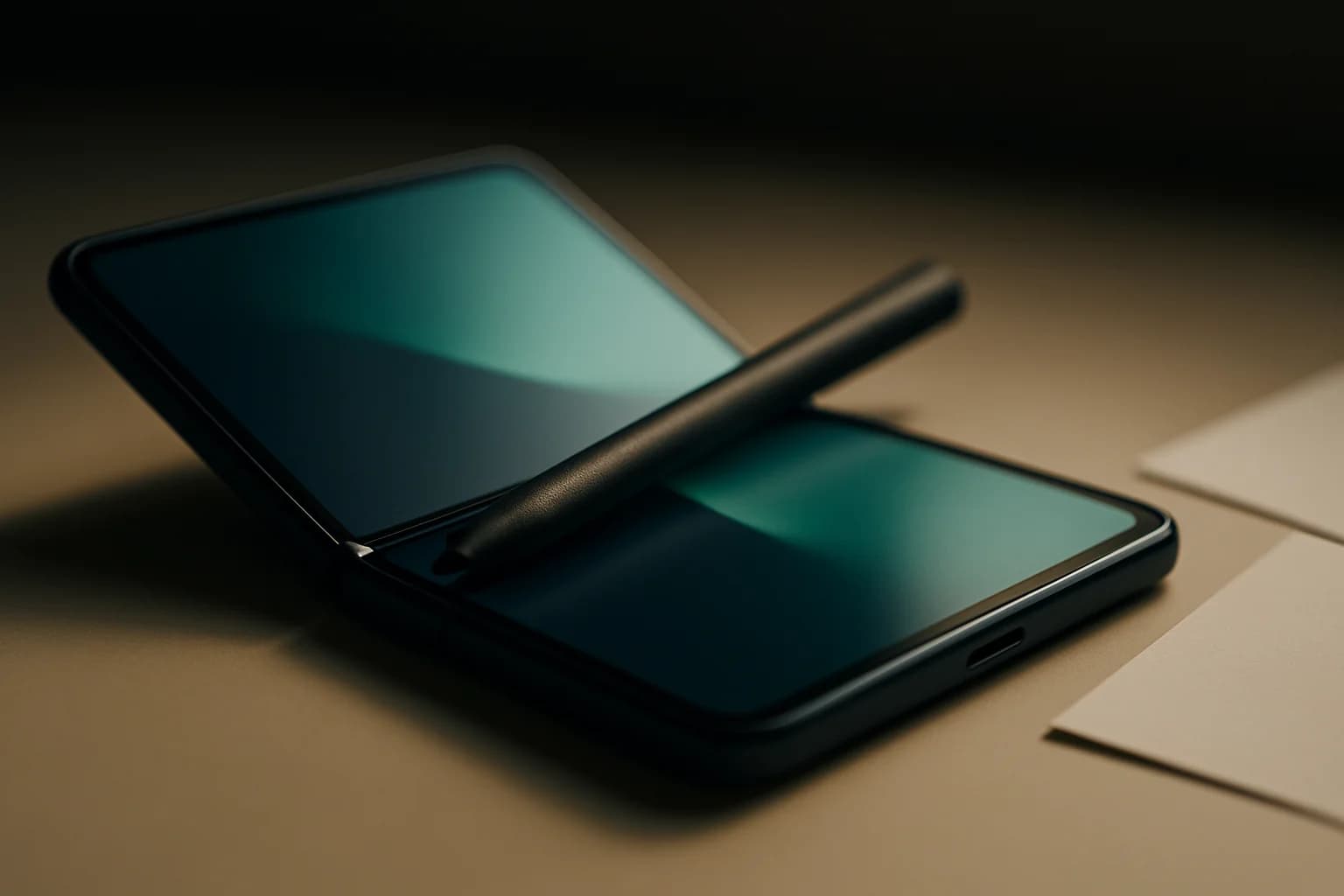
Ready for iOS 27.2, expected next week? Once it’s out, you’ll be able to pair a USB-C Apple Pencil with your iPhone Duo. MacRumors reports that you’ll be able to draw, annotate, and scroll in supported apps on both displays. It gives you something close to the iPad’s stylus experience, but in a phone that slips into your jeans pocket.
What can you do with Apple Pencil on iPhone Duo?
With the USB-C Apple Pencil, you’re set for quick sketches, handwritten notes, marking up that PDF your boss sent, or just scrolling through apps—on either screen. For students, architects, or anyone who thinks better with a pen, it’s a big change. The Duo’s foldable design means you can jot on the cover screen while it’s closed, or flip open for more detailed work on the big inside display.
A typical day could go like this:
- Take class notes or sketch ideas on the Duo’s inner screen during a Zoom call.
- Sign a document or draw on a photo, then share it over WhatsApp or email.
- Switch between quick notes on the outer screen and detailed diagrams inside, without missing a beat.
App compatibility: what to expect
Apple’s own apps will support the stylus from day one, so you can count on smooth handwriting and drawing. Some third-party apps might lag behind—if your favourite note-taker or art app feels off, check for updates or see what the developer says.
Is Apple Pencil support coming to older iPhones?
Right now, there’s nothing to suggest Apple Pencil features will show up on older iPhones with iOS 27.2. Only the Duo’s hardware is built for it, according to MacRumors. Updating your old phone won’t make a difference here, and there’s no word from Apple hinting at a change anytime soon.
| Model | Apple Pencil Support | iOS 27.2 Support | Display Type |
|---|---|---|---|
| iPhone Duo | Yes (USB-C only) | Yes | Dual, flexible |
| Older iPhones | No | Yes | Standard |
| iPad (recent) | Yes (varies) | iPadOS only | Single/large |
Should you upgrade, keep, or sell your old iPhone? A decision checklist
Here’s how to know if the Duo’s stylus feature makes sense for you:
- Need a stylus for work or study?
- The Duo is the only iPhone that lets you use one.
- Happy with your current iPhone?
- If you don’t need two screens or handwritten input, you might not need to upgrade now.
- Already have a USB-C Apple Pencil, or planning to buy?
- Only this version works with the Duo.
- Checked your current phone’s resale value?
- It’s easy to get a price estimate online and schedule a doorstep pickup in most Indian cities. The online price is just a ballpark figure based on what you tell them. After your phone gets checked at home, you’ll get a final offer. If you accept, payment comes to your UPI or bank account before your device leaves your hands.
- Will you use the stylus often?
- If your phone is mostly for calls, WhatsApp, or YouTube, you may not need this feature.
India-specific advice for buying or selling your iPhone
If you’re eyeing the Duo for its stylus, selling your old phone first is a smart move. Across most Indian cities, you can set up a free doorstep collection and get paid via UPI or straight to your bank. The steps: answer some online questions, see your estimated price, book a pickup, and let the team inspect your phone at home. That first online quote is just a rough idea. The actual buyback offer comes after the check, and you get paid only if you agree—your phone’s picked up only after money lands in your account.
With Sell used Mobile, you skip the hassle of bargaining or meeting buyers face-to-face. It’s especially handy during the rains or if you’re short on time.
Before giving up your device, always back up your data, log out of your Apple ID, and do a full reset. For step-by-step help, see Cashit FAQs: quotes, pickup, payment.
Common mistake: Apple Pencil confusion on iPhone Duo
It’s easy to assume any Apple Pencil works with the Duo, but only the USB-C one is supported. If you try using a Lightning or wireless Pencil, nothing happens. The Duo’s inner screen is flexible, so don’t press too hard with the stylus—some folks worry about scratches, even though Apple hasn’t said much. If you do spot marks, lighten your touch and keep the screen clean. Avoid styluses from other brands unless you’re sure they’re safe for flexible screens.
What to do next if you’re interested in upgrading
Apple Pencil support is genuinely useful if you’re into handwritten notes or sketches. If you’re thinking of switching, check what your old iPhone could fetch at Sell used Apple Mobile. Back up, reset, and prep your phone before pickup. If you’re still on the fence, the Cashit blog has current tips and news on new launches and selling advice.
Frequently asked questions
Can I use my older Apple Pencil with the iPhone Duo?
No, only the USB-C Apple Pencil works with the iPhone Duo. Older models, including Lightning and wireless versions, aren’t supported.
Does iOS 27.2 bring Apple Pencil support to all iPhones?
No, Apple Pencil support with iOS 27.2 is only for the iPhone Duo. There’s no indication that older iPhones will get this feature.
Will using the Apple Pencil scratch the iPhone Duo’s display?
Some users are concerned about scratches on the Duo’s flexible inner screen. Apple hasn’t officially commented, so use a gentle touch and keep the screen clean.
How do I know what my old iPhone is worth before selling?
You can get an online estimate by answering a few questions at Cashit. The online price is just a starting point based on your answers; after a doorstep inspection, you'll get the final offer. If you agree, payment is made to your UPI or bank account before your phone is collected.
Should I reset my old iPhone before selling?
Yes. Always back up your data, sign out of your Apple ID, and do a factory reset before selling to protect your information.
Sources
- iPhone Duo Supports Apple Pencil Starting With iOS 27.2 — MacRumors, 21 October 2026
Upgrading? Sell your old device first
Ready to sell your old device? Get a free instant quote on Cashit, choose a doorstep pickup slot, and get paid by UPI or bank transfer after inspection.
Check my device's priceComments
No comments yet. Be the first to share your thoughts!